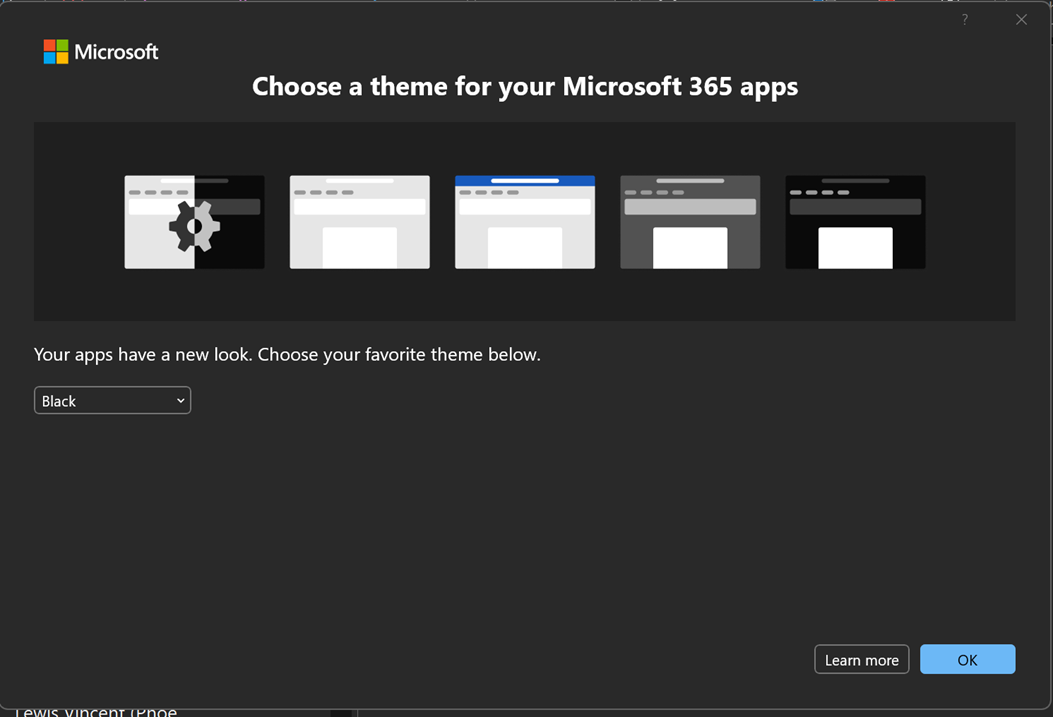
When launching Outlook on Windows 11 for the first time via the Outlook desktop shortcut, follow the process below.
1. Click on the Outlook icon on the desktop.

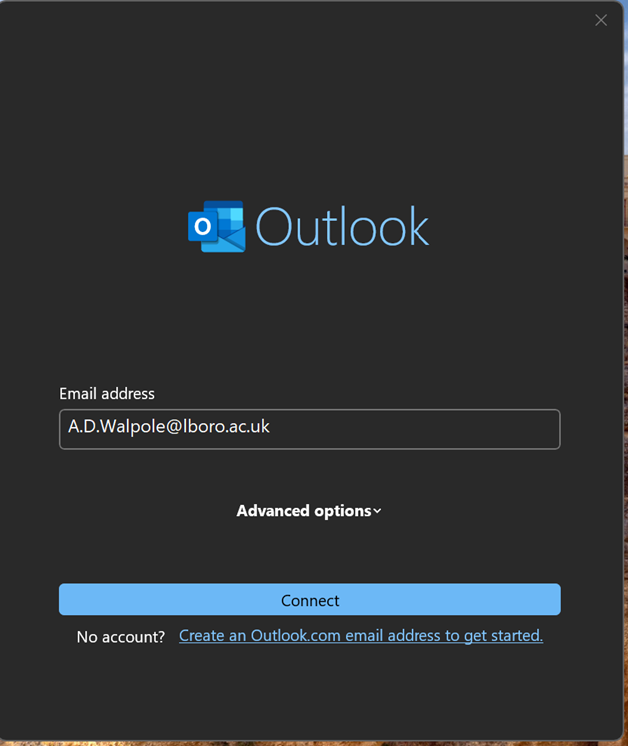
2. Click on Connect.
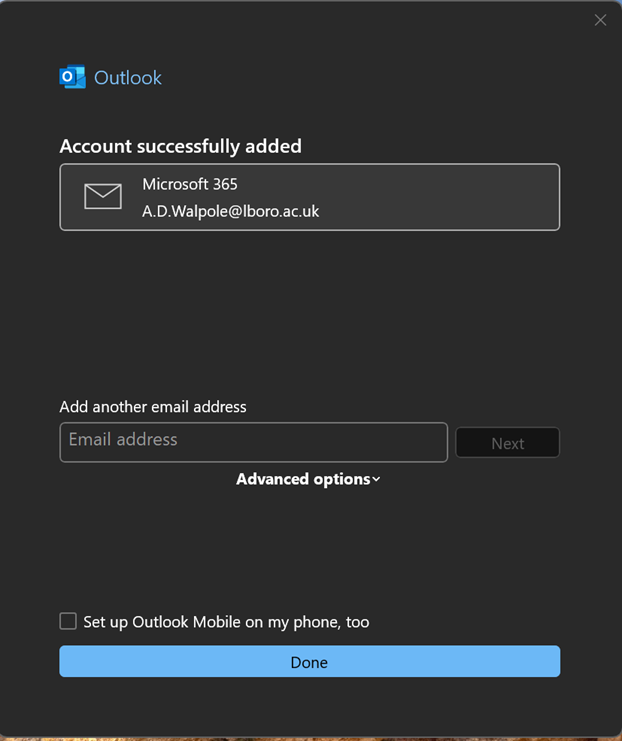
3. Untick the ‘Set up Outlook Mobile on my phone, too’ box and click Done.
4. From the drop-down box, choose your theme and click on OK.