When launching Outlook on Windows 11 for the first time via a web link (e.g. Student & staff Webmail button on Lougborough internal landing page), please follow the steps below.
1. Open Outlook via Weblink.
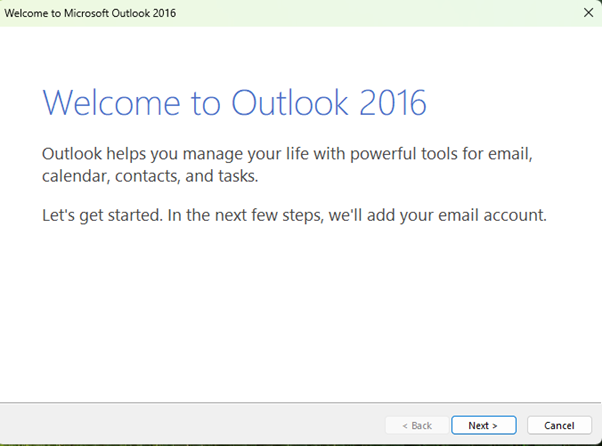
2. Click Next.
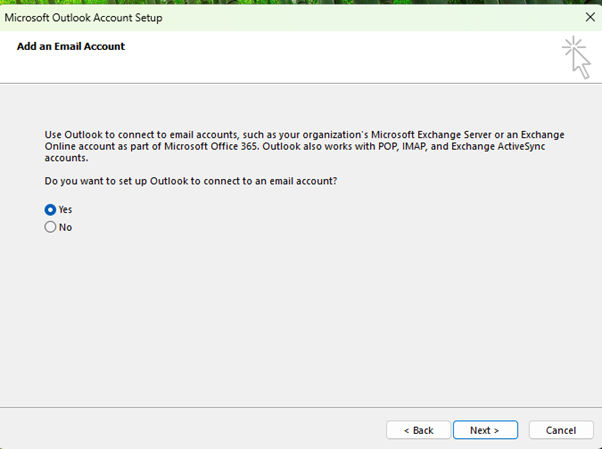
3. Click the Yes radio button (which should be default) and click Next.
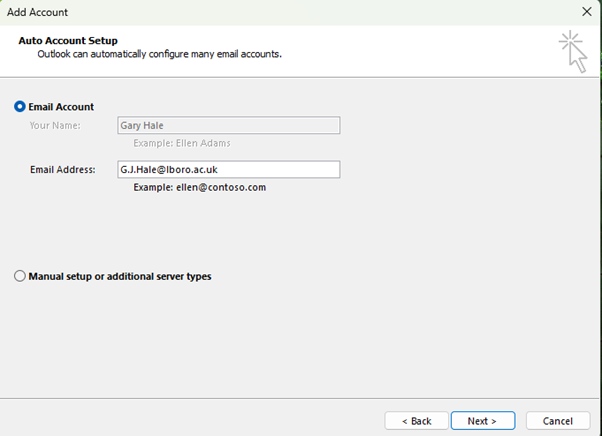
4. Wait for your account details to populate in the ‘Email Address’ field and click Next.
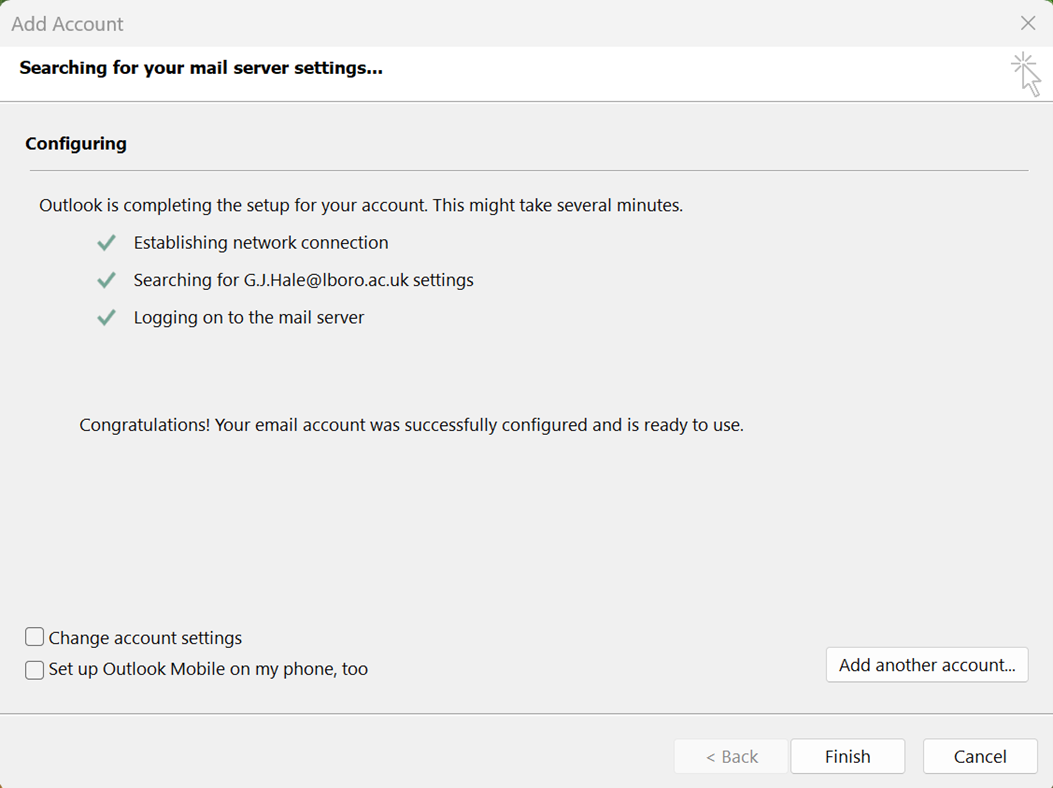
5. Untick the ‘Set up Outlook Mobile on my phone, too’ box and click Finish.